Mobile Docent Guide

PS 2016 Navigation:
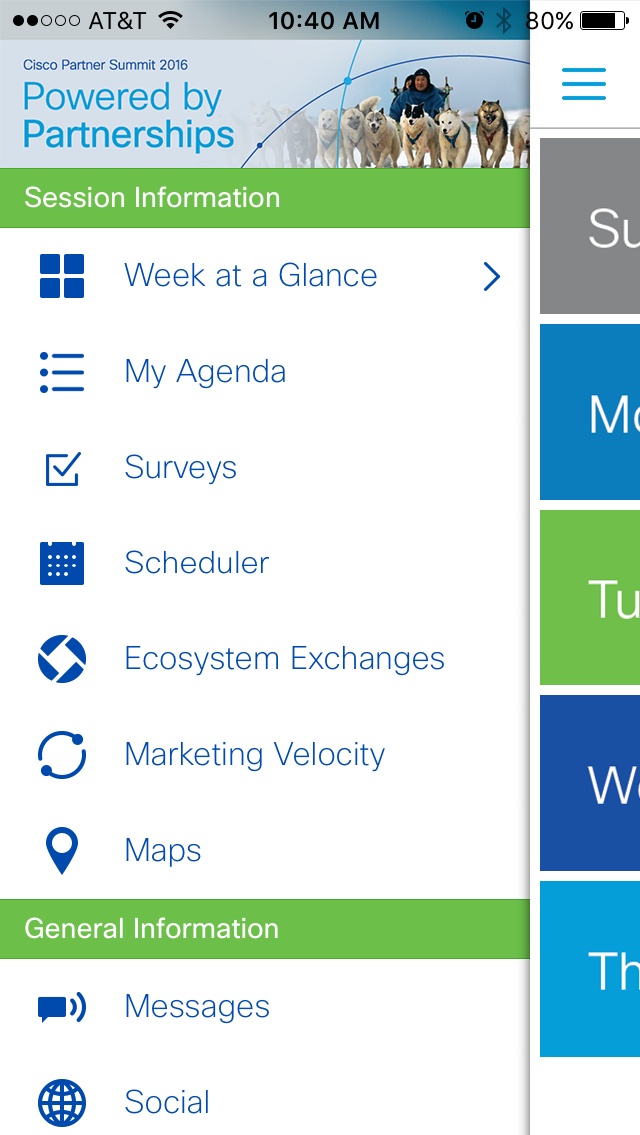
Access Navigation at any point by clicking the menu button in the upper left of any page.

My Agenda:

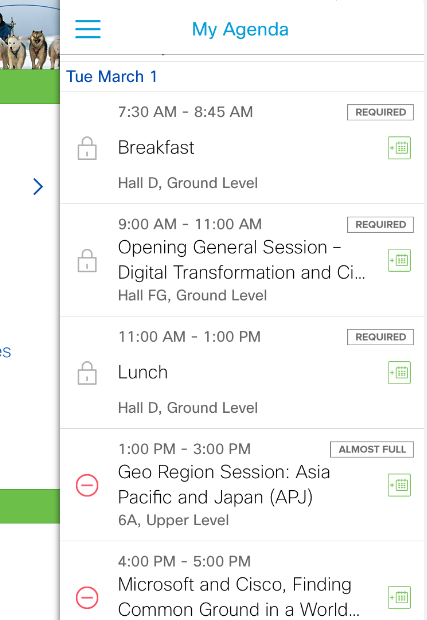
  • Attendees can access their personal agenda at anytime via ‘My Agenda’ in the navigation.
  • Sessions with a are required and not able to be removed from a user’s schedule.
  • Sessions with a can be removed at anytime.

Scheduler:

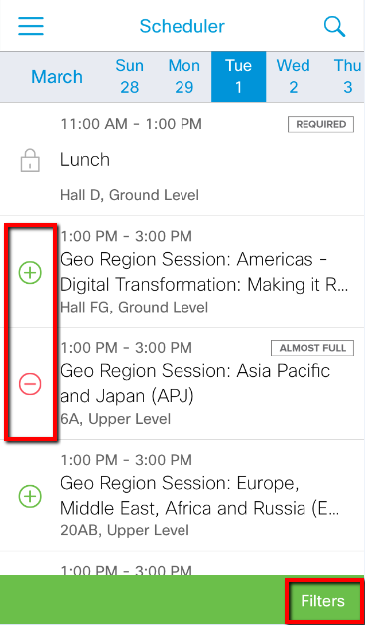
  • Scheduler can be accessed at anytime via navigation.
  • Sessions can be added or removed from users personal agenda by utilizing the and buttons to the left of the session title.
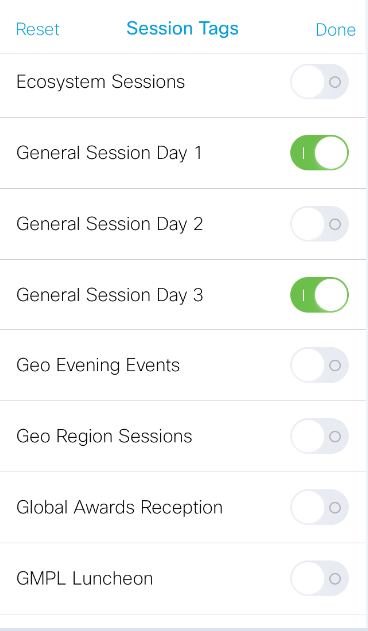
  • Sessions can be filtered by session type by clicking ‘Filters’ in the lower right of the scheduler, see screenshot of Session Tags page to toggle filters on and off.

Session Details:

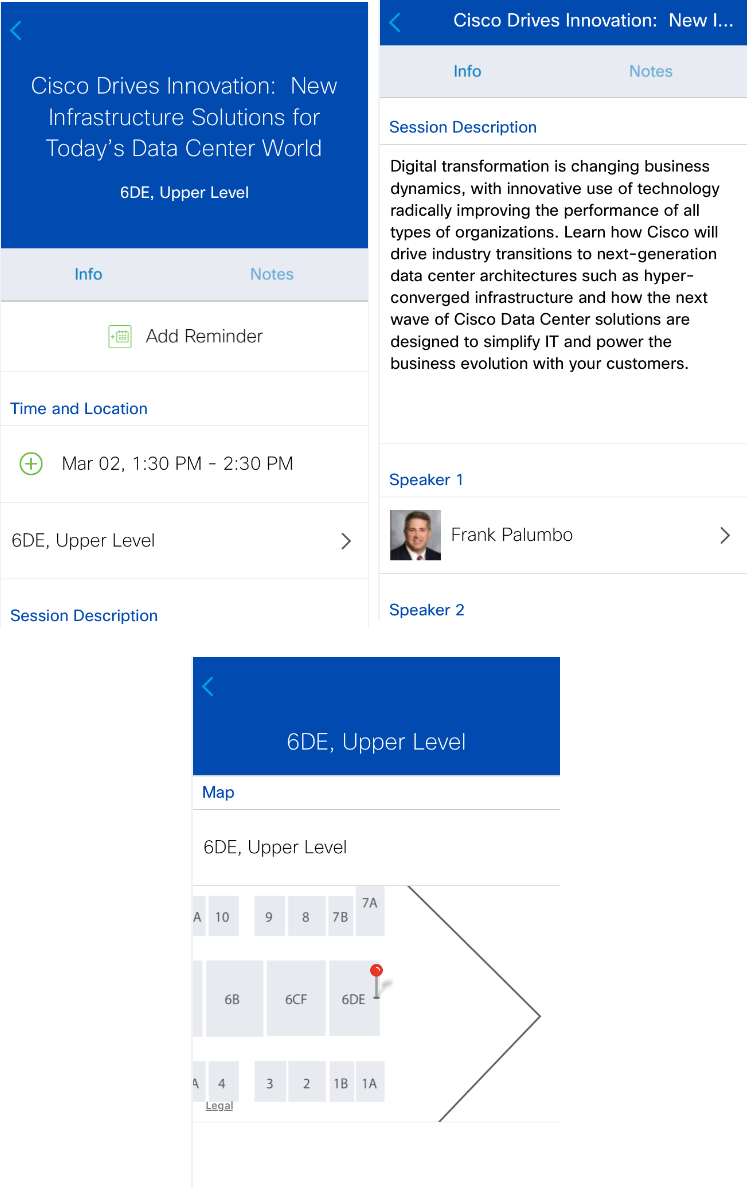
  • The session details page, accessible by tapping the session title from ‘My Agenda’ or ‘Scheduler’.
  • Within session details you can add/remove the session, see session location, review session descriptions, speakers and key takeaways.
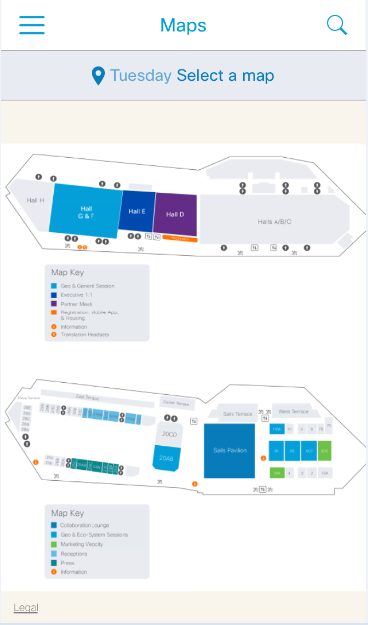
  • When clicking on the session location you will be taken to a detailed map page.

Add Sessions to your personal Calendar:
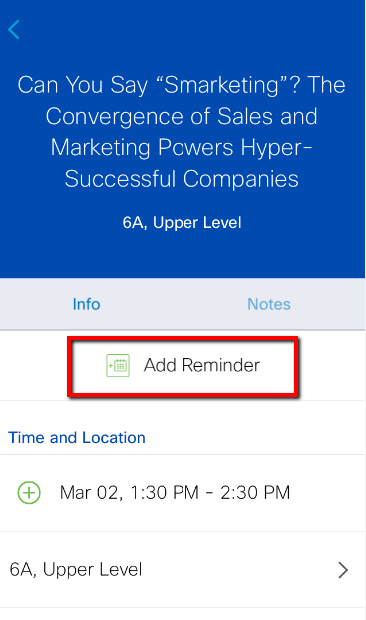
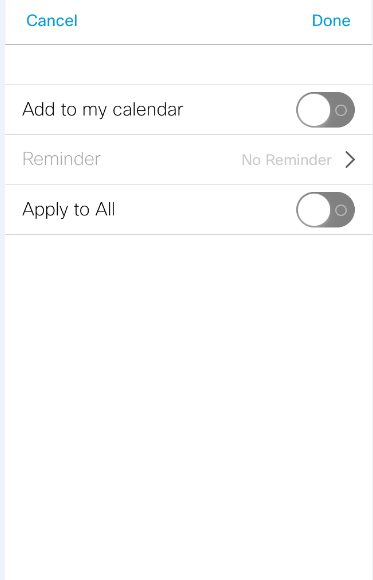
  • Clicking Add Reminder or the symbol from session details or Scheduler will open the ‘Add Reminder’ screen
  • Sessions can be added one at a time or all at once by clicking ‘Apply to All’; this will save all sessions currently on the users agenda to their personal calendar on their device.

Maps:

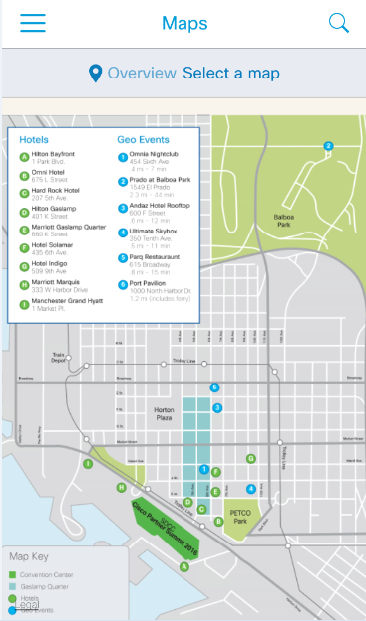
  • Maps, accessible via app navigation, are available to assist attendees in navigating the event.
  • Maps are fully pinch zoom capable, allowing users to review and any level of detail.

Messages:

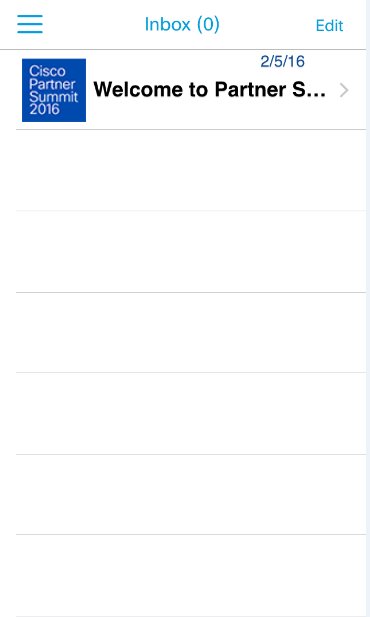
  • Important Show Messages and Push Notifications can be found under messages in the app navigations

Ecosystem Exchanges:

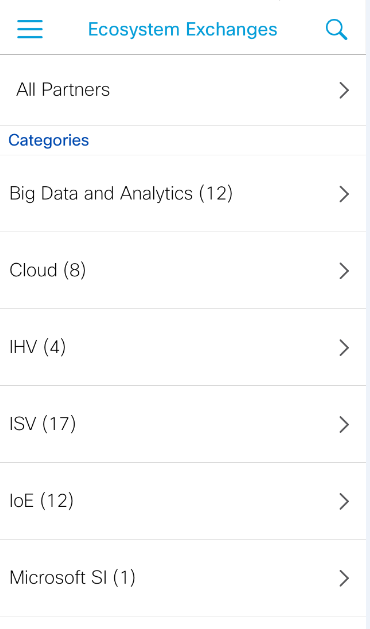
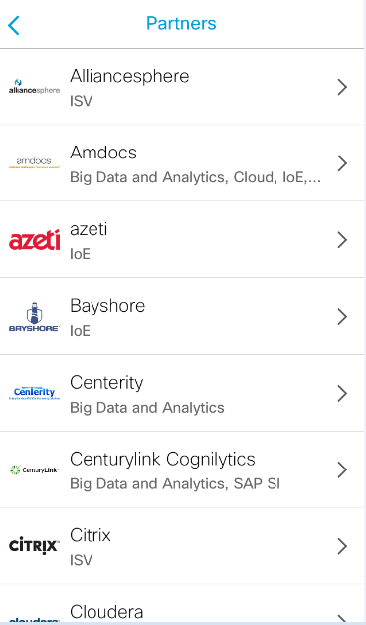
  • This area lists all of the participating Ecosystem Exchange Partners.
  • Ecosystem Exchange meetings are not able to be schedule from this area, this is for information purposes only.

Marketing Velocity Attendees - Unique Items:
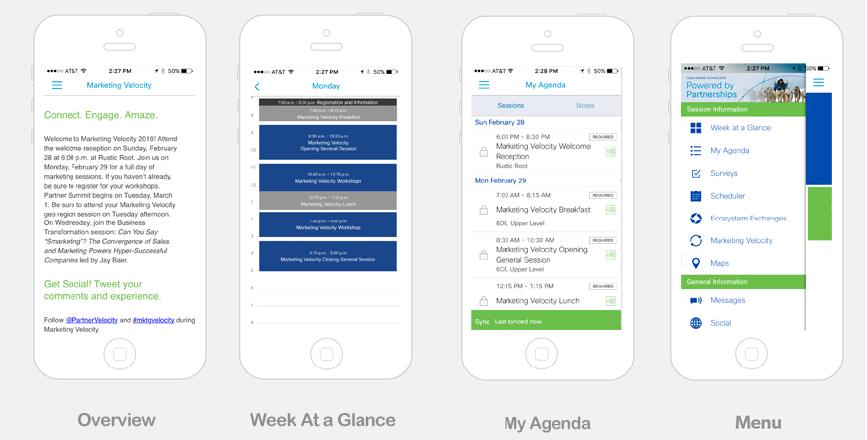
  • MV Overview Section
  • Unique Week at a Glance
  • Pre-assigned MV sessions in My Agenda.
  • Monday and Sunday’s sessions show in Scheduler